|
|
|
|
|
|
|
Select a Gallery Section from the Gallery Index
or click a Display Composite below to select a section.
|
|
Image Galleries
Section and Subsection Index
|
|
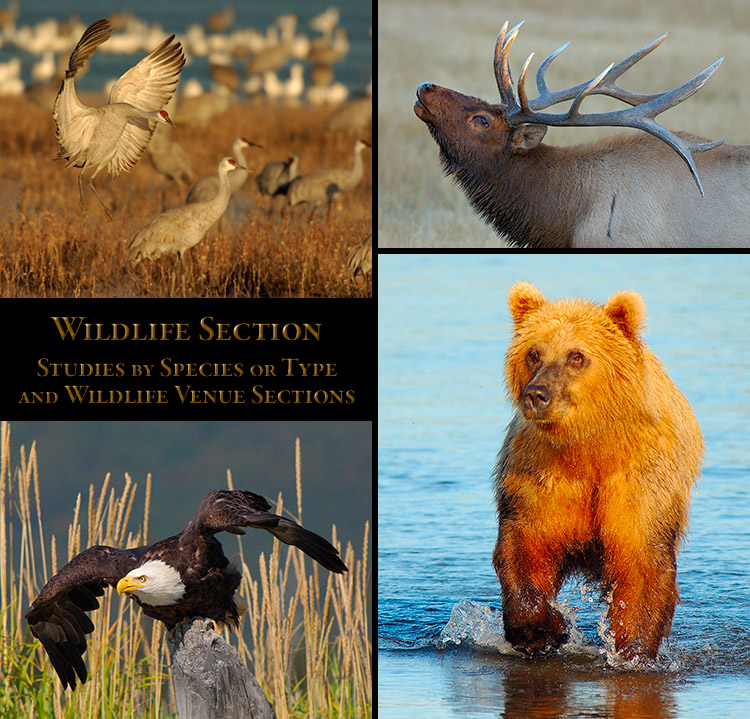
Wildlife
|
|
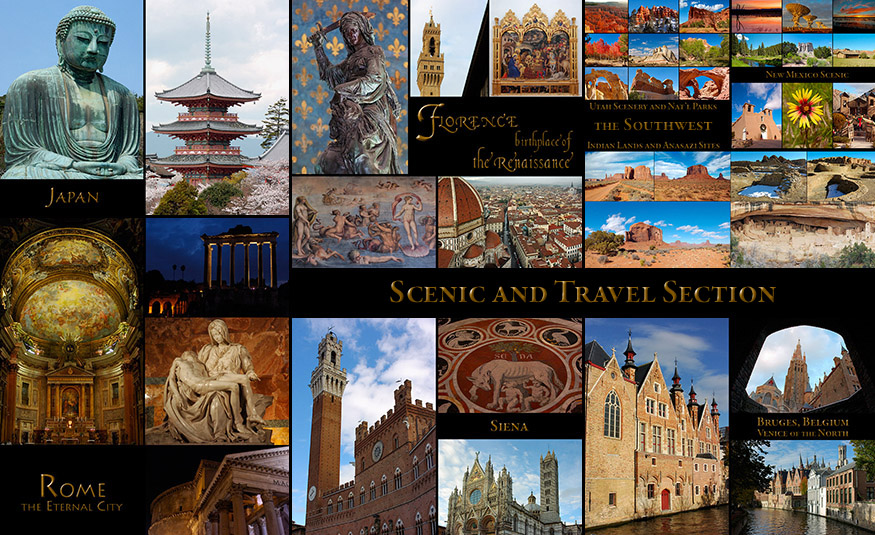
Scenic
|
|
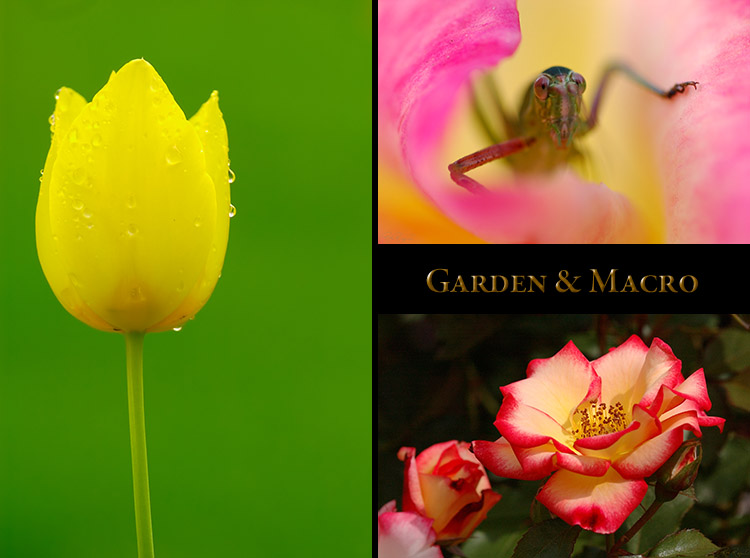
Gardens
|
|
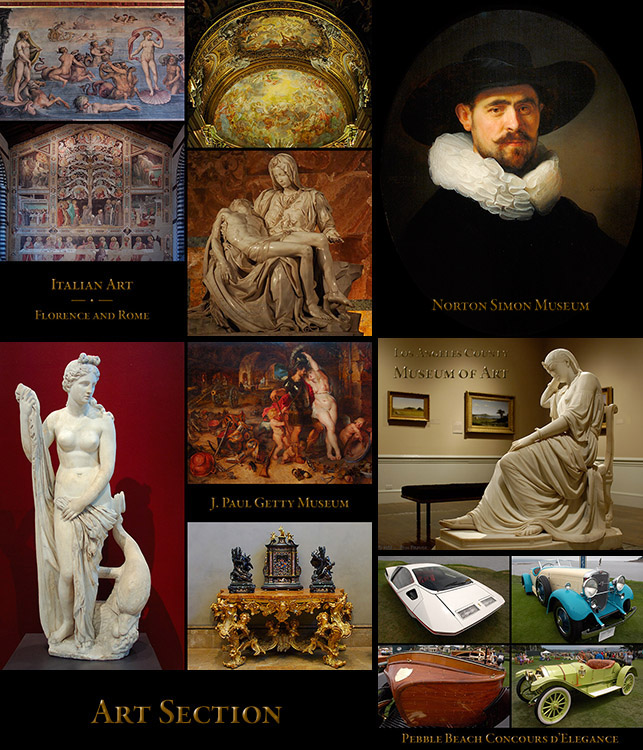
Art
|
|
|
|
|
|
|
|
|
|
|
|
|
Most of these subsections are major portfolios with multiple pages.
|
|
|
|
The Wildlife Section is separated into subsections on Wildlife Studies and Wildlife Venues.
The Wildlife Studies section contains compilation Portfolios separated by species, type or activity.
The Birds Sections include detailed subsections on Raptors (Birds of Prey); Egrets and Herons; Sandhill Cranes;
Ducks, Geese & Swans; Pelicans; Cormorants; Hummingbirds; Birds in Flight and the Animals Subsection, which
contains Portfolios on Brown and Black Bears; Elk; Pronghorn; Bison; Coyote; Elephant Seals and Insect Macros.
The Wildlife Venues include Portfolios and compilations from Bosque del Apache Wildlife Refuge, New Mexico;
Lake Clark National Park, Alaska; Yellowstone National Park, Wyoming; Sepulveda Wildlife Refuge, California;
Sanibel Island, Florida; Bolsa Chica Wildlife Refuge, California; and San Diego Wild Animal Park in California.
|
|
The Scenic Section contains highly detailed subsections on Japan, Florence, Siena, Rome,
Bruges, England, the Southwestern USA, Yosemite National Park, and the Assorted Scenic
subsections detailing Wyoming, Washington DC, Brussels, San Francisco and Muir Woods,
Hawaii, Hollywood, Scenic Potpourri, Los Angeles Architecture and Los Angeles Public Art.
|
|
The Gardens section houses compilation portfolios of flower portraits and extreme closeups (Macros)
from Descanso Gardens and Huntington Gardens; Mountain Flowers from New Mexico and Utah; a page
with compiled flower portraits and garden scenics with both flower and insect macros; two compilations of
assorted flower portraits of a number of plant varieties; and two portfolios of Butterfly and Insect macros.
Some of these sections are captioned and others are standard image galleries with only image titles.
|
|
The Art section houses a compilation of selected images from Florence and Rome and a page on the
British Museum from the Scenic section; a portfolio on the Getty Villa; an extensive compilation portfolio
on the Getty Museum; compilation portfolios on the Norton Simon Museum and LA County Museum of Art;
a two page compilation of Rodin sculptures from the Norton Simon and LACMA; and a detailed portfolio
on the interesting antique, classic and exotic cars displayed at the Pebble Beach Concours d'Elegance.
|
|
Images are custom-processed for clarity and detail at full-size output.
Each of the Gallery and Portfolio pages on this website are linked
directly to Photoshelter Galleries containing images on that page
where you can purchase images and prints in various sizes.
|
|
Site Tree
Click the teal stripe for the Site Tree
(a linear hyperlinked list of all pages)
|
|
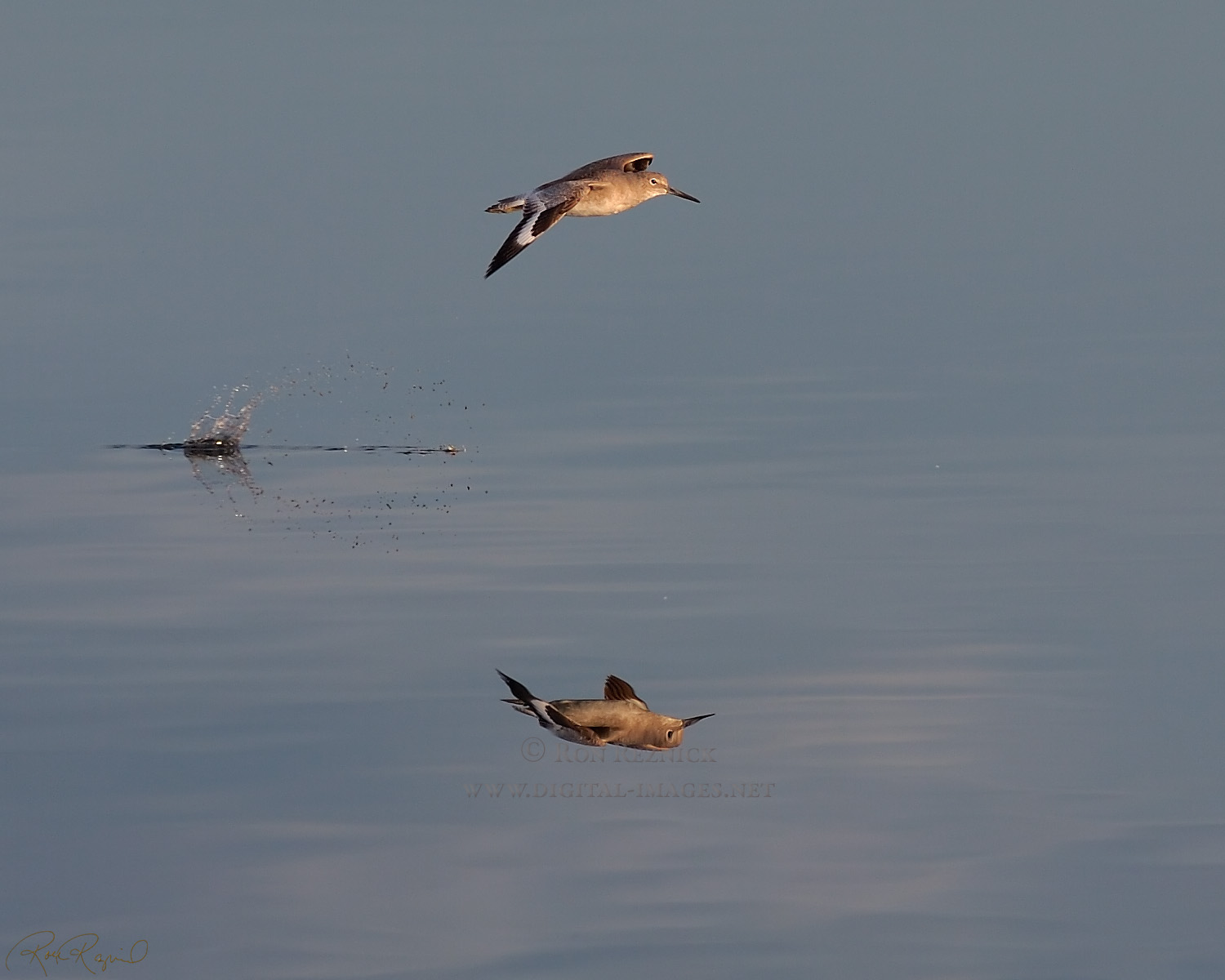
Willet Flight HS5912
(click to open a 1500 x 1000 version)
A Willet in flight, reflected in the calm waters of Ballona Creek.
(from the Shorebirds page in the Bolsa Chica Wildlife section)
|
|
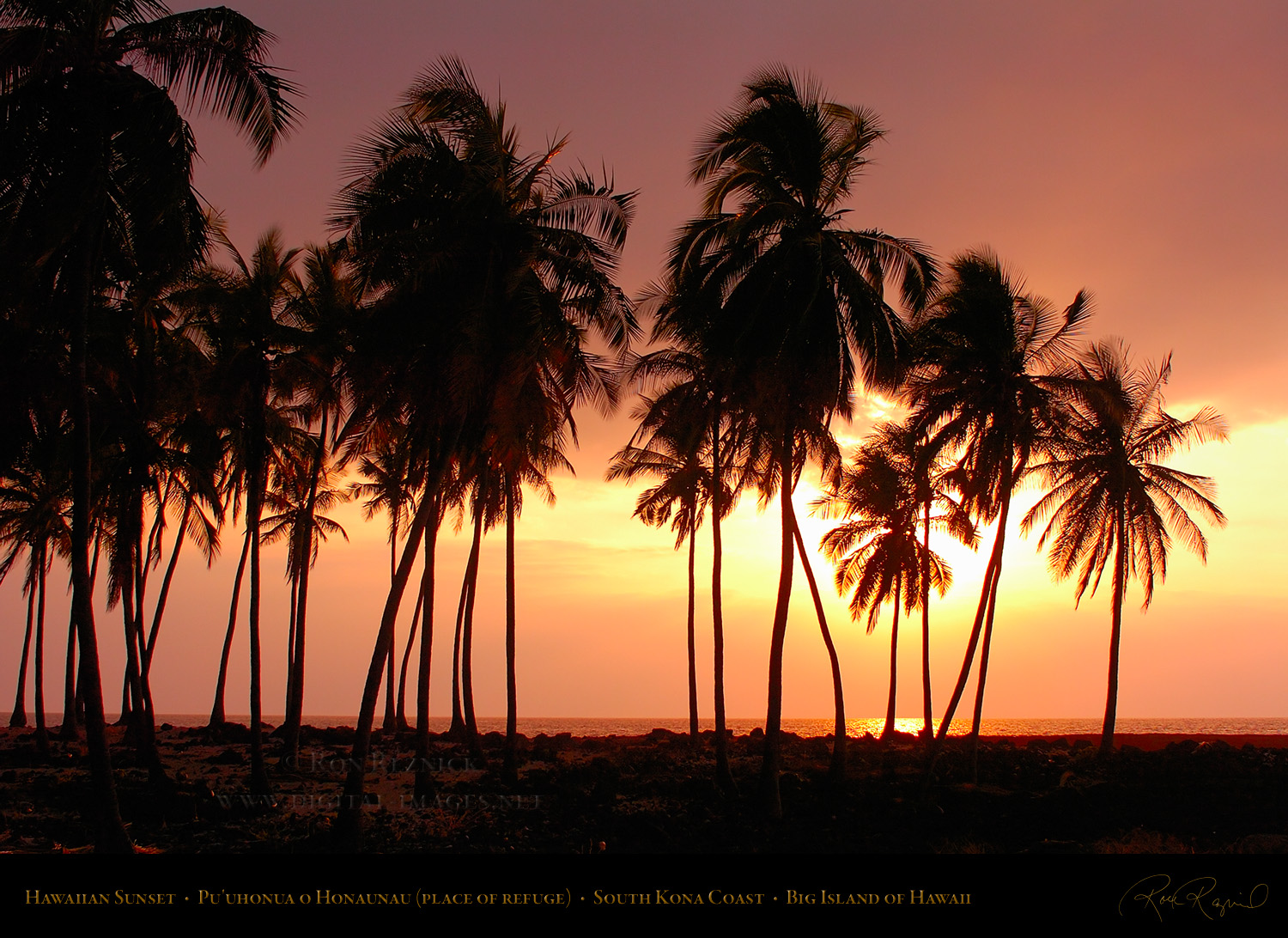
Sunset Pu'uhonua o Honaunau HS7358
Sunset at Pu’uhonua o Honaunau, the historic place of refuge at the lava fields of
the royal grounds of Honaunau, on the south Kona Coast of the Big Island of Hawai’i.
(from the Hawaiian Scenery page in the Assorted Scenic section)
|
|
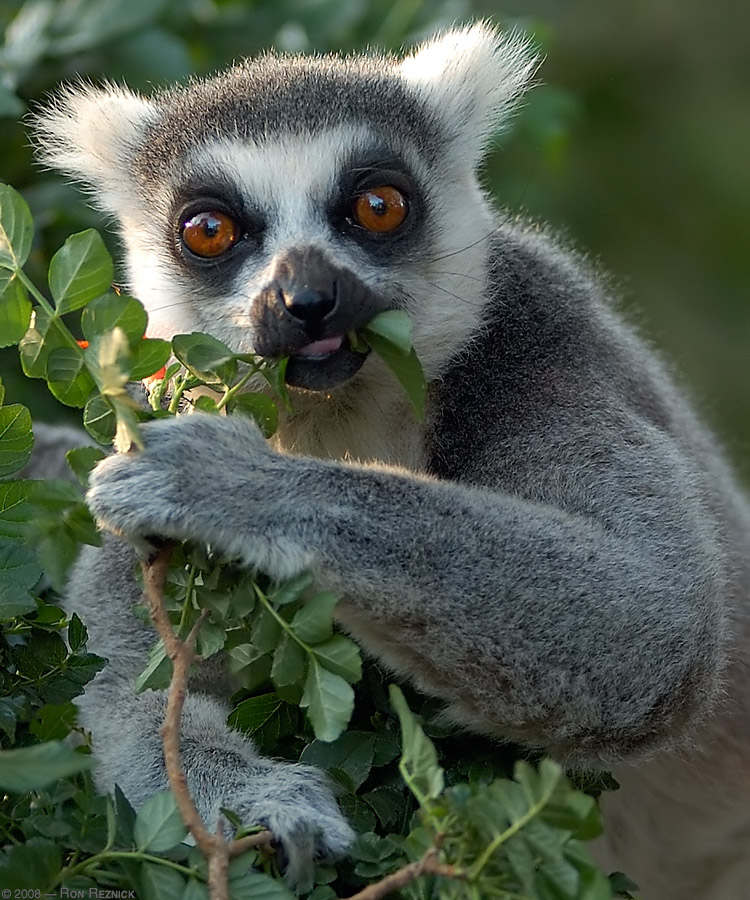
Ring-Tailed Lemur X6067c
(from the San Diego Wild Animal Park section)
|
|
|
|
|
|
Greyscale Chart 3
(a useful tool for training your eyes to luminosity levels)
Click the image above to open a large version in a new tab or window.
Some more charts that I created to help you train your eyes are below:
You use these charts to learn the brightness levels of various reference greys (the greyscale chart and Histogram Reference Tools) and to learn the RGB values for various colors and how the camera sees them (the color chart). The Histogram Reference Tools show you the grey levels at the division lines on the camera Histogram so you know what the brightness level is at each line.
The Nikon and Canon Histogram Reference Tools show the distance in EV between the histogram markers at the bottom of each chart. The Nikon chart shows the number of RAW data bits at each division and the percentage of data points that each region represents.
The 3rd linked file shows a 5% greyscale in the center, with the Canon Reference greys on top and the Nikon Reference greys on the bottom of the central chart.
The 4th linked file is the large version of the greyscale at the bottom of this page. It is useful for learning the levels of dark greys (and for checking to see that your monitor brightness and contrast is set optimally... you should be able to just barely see the 0-5 division on a superb monitor and the 5-10 division on a very good monitor, while still seeing a strong division between 242 and 255 on the upper greyscale).
The Color Reference Chart shows Grey 128, Cyan, Magenta, Yellow and White strips on top and a grid with several reference greys and incremental color sections. Each incremental color section alters only one color (R, G or B) through the range 0, 77, 153, 204, 255. This shows you how RGB values affect color. The number at the top of each color patch shows the actual RGB value of that color, and the number at the bottom of each patch shows the equivalent grey that the camera sees through the Beyer Pattern Filter over the sensor. You will learn the equivalent grey for various colors and will understand how to expose for those colors. (This will help you understand why full saturation red or blue is often overexposed, as an example). This file is in the AdobeRGB color space so the colors will be accurate when opened in a color-aware program such as Photoshop. They do not display accurately in non-color-aware web browsers.
|
|
|
|
|
|
|